

Images to PDF
Convert one or more JPG/PNG images into a PDF, one image per page. Your images never leave your device.
Drop JPG/PNG images here or click to choose
One image per page, in the order shown. Use the arrows to reorder.
Try it with sample files
Turn one image into a PDF without an A4 crop
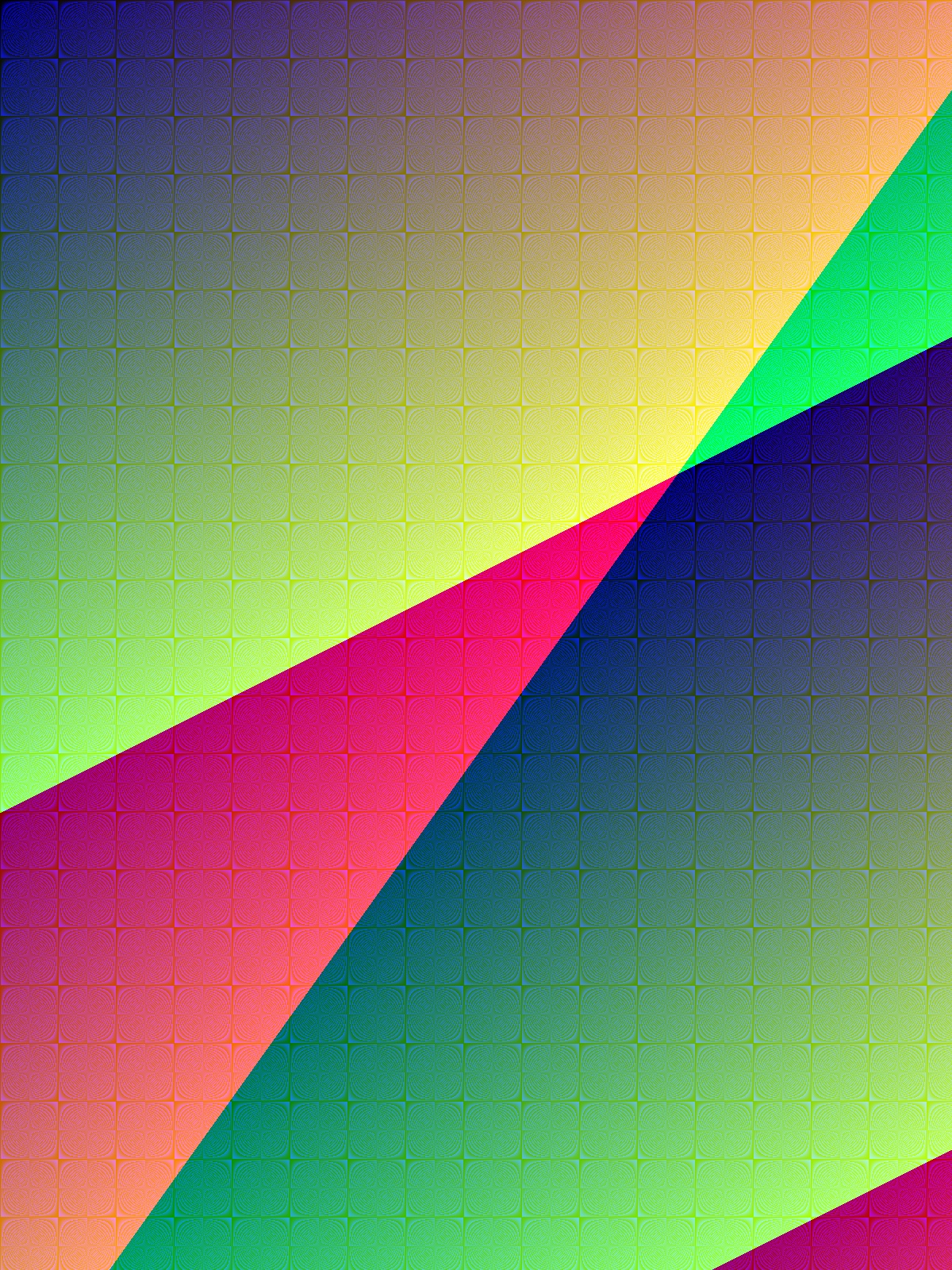
Try a synthetic 1200 × 1600 pixel JPEG to see how image dimensions determine the PDF page size. This is useful when preparing a photo or scan for a PDF-only upload.
Settings and steps
- Download sample-image.jpg and add it to the image area above.
- For this example, keep only that image in the list. For a batch, use ▲/▼ to set the page order.
- Select “Create PDF” to download images.pdf.
Expected result and checks
One PDF page measuring 1200 × 1600 points, with the full image filling the page.
Download reference output · image.pdf ↓The reference is named image.pdf; the tool downloads images.pdf.
- Check all four edges against the JPG to confirm that the image has not been cropped.
- Check page properties before printing: this sample is about 16.7 × 22.2 inches at 72 points per inch, not A4. Use the print dialog’s fit option if needed.
Limits and troubleshooting
- The tool accepts JPG and PNG, with one image per page. Convert HEIC or other formats to JPG/PNG first; changing a filename extension does not convert the image.
- This tool has no paper-size or margin setting and does not perform OCR. Text in a photo will remain image content, not selectable text.
Reference results recorded: · View check record (JSON)
Turn JPG and PNG images into one PDF, with one image per page. Add receipts, scans or photos, then use the ▲/▼ buttons beside the filenames to set their order. Each page is sized to its image rather than a fixed paper format such as A4. Processing happens on your device without uploading the images; first use may need a connection to download the processing components.
How to Images to PDF
- Add the JPG or PNG images you want to combine.
- Use the ▲/▼ buttons beside each filename to set the page order.
- Select Create PDF and download images.pdf.
Frequently asked questions
Are my images uploaded to a server?
No. Image conversion runs on your device without uploading the images. The conversion module is downloaded when you first select Create PDF, so loading the page alone does not guarantee offline operation.
Which image formats can I use?
You can convert JPG and PNG images, and each file becomes its own page in the finished PDF. Both common photo and screenshot formats are supported, including transparent PNGs.
Can I combine several images into one PDF at once?
Yes. Add multiple JPG or PNG files, then use the ▲/▼ buttons beside the filenames to arrange them. Each image becomes one page in the displayed order. The practical batch size depends on your device's available memory.
Will the conversion reduce my image quality?
The tool embeds JPG or PNG images at their original pixel dimensions without a downsampling step. The PDF page size follows those dimensions, so the viewing or printing scale can differ from the original image. Compare the output at the intended size before using it.
Is there a file size or image count limit?
There is no fixed limit and the tool is completely free. Because processing happens on your own device, very large batches simply depend on your computer's available memory.
Try the tools with sample files
Download sample files, compare page order, rotation and compression outputs, and understand processing limitations.
See checks and sample files →Related tools

PDF to Images
Export each PDF page as a PNG image.

Scan to PDF
Scan documents with your camera into an optimized PDF.

Office to PDF
Convert Word/Excel/PowerPoint to PDF.

PDF to Word
Convert a PDF to an editable Word document.

PDF to PowerPoint
Convert a PDF to a PowerPoint file.

PDF to PDF/A
Convert to the archival PDF/A standard.